
Live call00:24
Type less.Build more.
Swap end-of-day paperwork for a quick conversation that updates your records automatically.
The problem
The job’s done.The paperwork isn’t.
You ran the site all day. Now you get to write it all down.
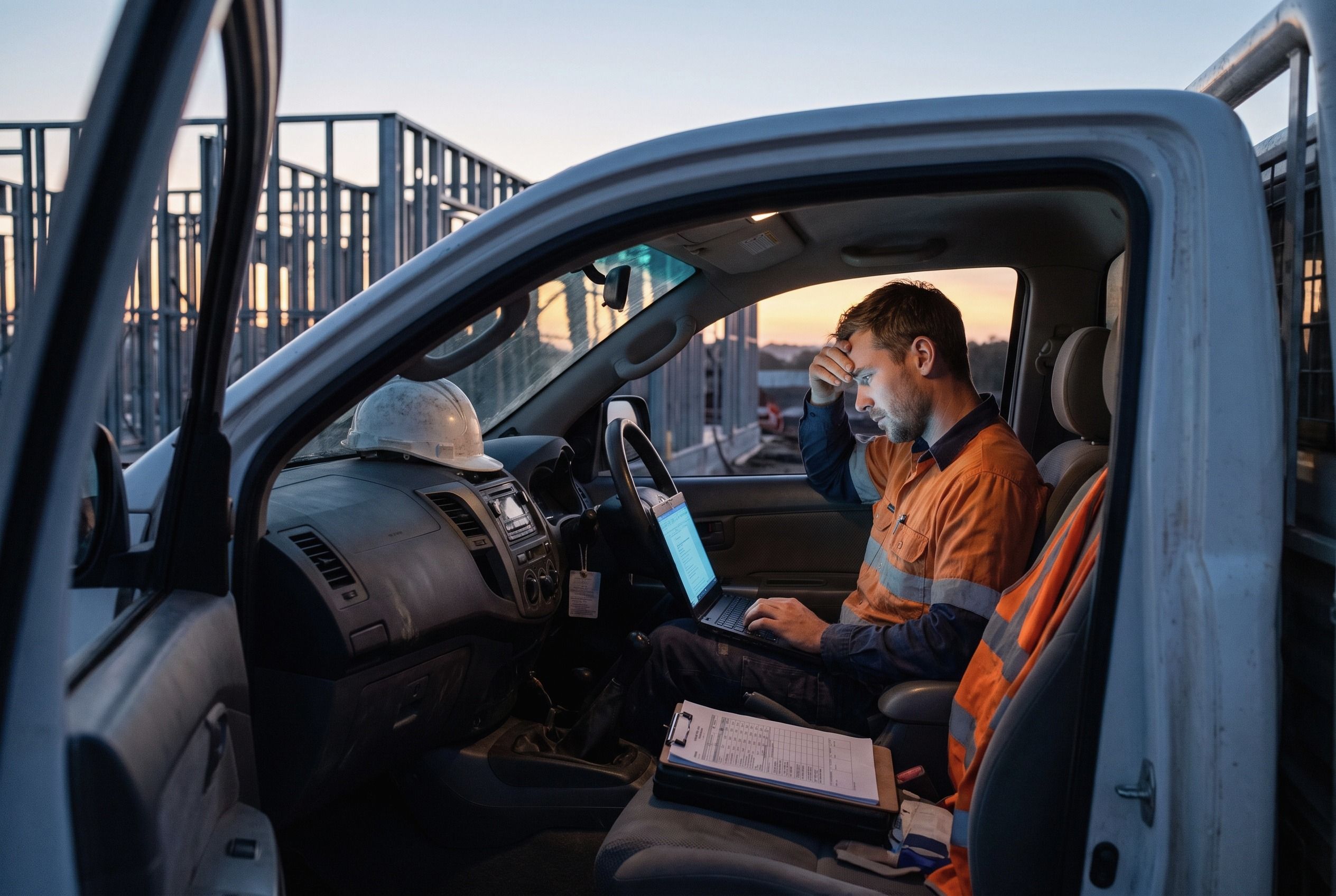
still on site
- 5:10pm
Type the day into a form.
Site diary. Delivery dockets. The inspection request.
- 5:35pm
Chase the bit someone left out.
Ring the plasterer. Leave a message. Wait.
- 6:05pm
Write the follow-ups.
Three emails to say what you already said on site.
- 6:40pm
Go home.
Do it all again tomorrow.
90 minutes.None of it is building.
How it works
One call.Three things happen.
- 01
Call it in.
Ring the project line and say what happened, the way you’d tell your PM. No app to open. No form to find.
- 02
It asks what’s missing.
Skip something the form needs and it asks while you’re still standing there. Not three days later by email.
- 03
It’s written up. You sign it off.
The form is filled and the follow-up is drafted. Read it, fix a word, approve. Nothing goes anywhere until you say so.
Live transcript
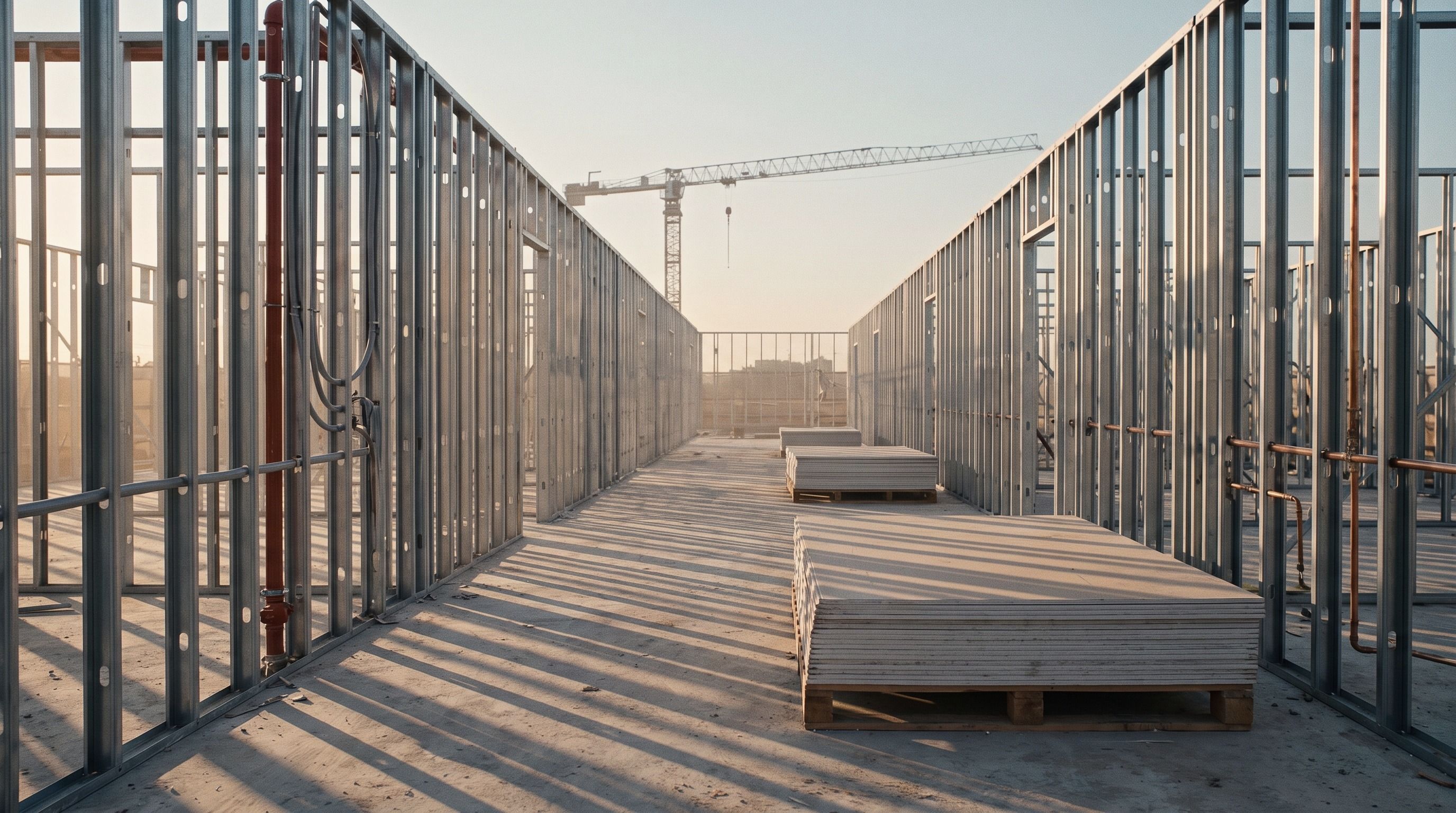
You: Level two, east side. Walls are framed and ready to close up.
Alloovium: Has the fire inspection been signed off?
You: Not yet. Inspector’s booked for Thursday.
Alloovium: Noted. I’ll hold the close-up and draft the booking.
Site update
- Area
- Work
- Status
- Hold point
Level 2 east: inspection before close-upLevel 2 east corridor is ready for inspection before wall close-up. Can you confirm Thursday?
Features
The kit behindthe call.
Every call is answered from your project documents and checked against what the job requires. Nothing goes out until your team approves it.
- 01
Voice updates
Say what happened. It fills in the form you already use and asks for anything you left out.
- 02
Project answers
Ask about the job. Get the answer and the page it came from, so you can check it.
- 03
Document control
Always the current revision, and what changed since the last one.
- 04
Requirement checks
Each update is checked against your project documents. You see which checks, evidence and approvals are still open.
- 05
Workflow builder
The office wires calls to forms, checks and actions once. Drag, drop, roll it out to every job.
- 06
Actions for review
Tasks and follow-ups drafted from the call. Your team approves what goes out.
The difference
The old way.The phone call.
Typing site updates into forms.
Call it in.
Chasing missing details after each update.
It asks while you’re on the phone.
Digging through documents for what’s outstanding.
See the missing checks, evidence and approvals.
Writing tasks and emails after hours.
Read what it drafted. Approve. Go home.
On site
Crews thatstopped typing.

“I ring the site diary in on the way to the ute. It’s done before I’m there.”
47min
back per supervisor, per day
9in 10
site updates called in, not typed
3×
fewer open items at handover
“It asked about the fire sign-off while I was on the phone. We’d have closed that wall up.”
“We tried three apps with our supervisors. None stuck. They’ll make a phone call.”
On the tools with
- Brackenfold Construct
- Tindale & Marrow
- Carrowmere Projects
- Oxlade Northern
- Stannix Build
FAQ
Fairquestions.
The ones a supervisor asks before anyone gets a new thing to use.
Ask us the rest01Will it hear me over the site?
It’s made for a phone call on a live job, not a quiet office. If it misses something, it asks you to say it again, same as anyone would.
02What if it gets something wrong?
Nothing is filed or sent until someone approves it. You see the form and the follow-up first. Fix a word, then sign it off.
03Do I have to learn new software?
No. It’s a phone number. The office sets up the forms and the checks once. You just ring.
04Does it use our forms, or yours?
Yours. Site diary, inspection request, whatever the job already runs on. You choose which form a call fills in.
05Where do the answers come from?
From your project documents. Every answer is linked to the page it was taken from, so you can check the detail yourself.
06Who decides what happens next?
Your team. Alloovium prepares the task or the follow-up. A person reviews it and approves the next step.

Book a demo
Next update,just ring.
See what a call can do for your project. Twenty minutes, on one of your own jobs.